

Key Takeaways: Real photos are the biggest single trust signal on a local business website. A shot list you can complete with a phone, the images customers actually respond to, and the stock clichés to delete. Prioritise verified service-area pages, transparent pricing benchmarks, authentic customer proof, and structured FAQ answers to capture both Google Map Pack and AI search enquiries.
Customers can spot a stock photo in under a second, and when they do, they quietly discount everything else on the page. Your own photos, even imperfect ones, do the opposite. Here is what to shoot, in roughly the order it matters.
The shot list
- The front of your premises or your vehicle. People want to recognise you when they arrive or when you pull up.
- You and your team, at work. Not posed in a row — actually doing the job, or a relaxed portrait in the workplace.
- Finished work. The completed bathroom, the plated dish, the healed garden, the smiling client (with permission).
- Work in progress. Proof you were there: tools out, boards open, half-built decks.
- The inside. Reception, treatment rooms, the workshop, the dining room at 7pm.
- Details. Hands working, materials, the van's tool layout. These make good backgrounds.
Twenty usable photos covers a small site. Add a few every quarter.
How to shoot with a phone
- Daylight, near a window or outside on an overcast day. Avoid overhead fluorescent light.
- Wipe the lens.
- Hold the phone level and step back rather than zooming.
- Take five of everything; keep one.
- Do not use filters. Slight brightness adjustment is fine.
What to skip
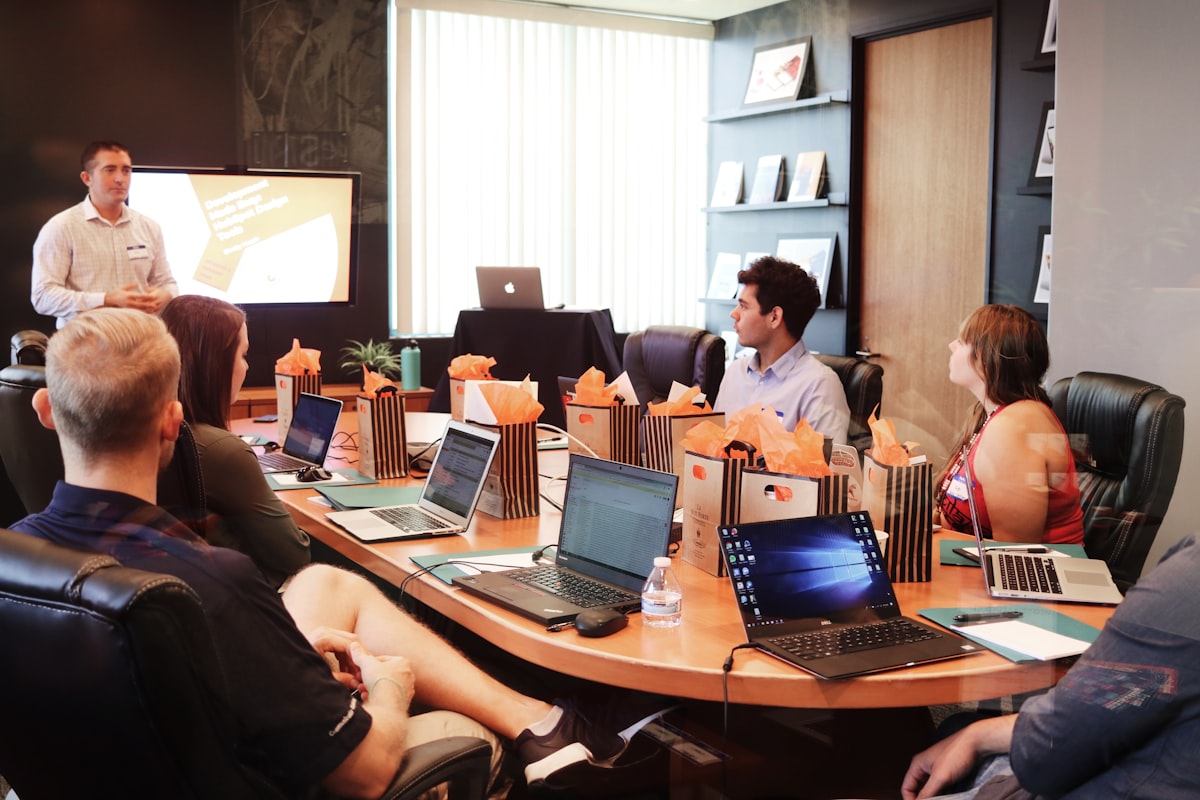
- Handshakes, laptops with charts, people pointing at whiteboards.
- Models with impossible teeth, hair or lawns.
- Gavels, stethoscopes on keyboards, hard hats on blueprints.
- Photos of other people's work, ever.
Before publishing
Compress every image. A phone photo is often 4–8 MB; the web version should be under 300 KB. Free tools do this in seconds, and it is the difference between a site that loads in two seconds and one that loads in nine. Give each image a short alt description for accessibility and search.
When to hire a photographer
For a half-day, a local photographer will produce fifty polished images of the team, premises and work for a few hundred dollars. It is one of the better investments a small business can make and the results last years. Photo selection and compression are part of every YINO build — see packages.
2026 Website Architecture & ROI Benchmark Comparison
Compare the practical differences between a template build, an over-engineered agency project, and a conversion-focused build tailored for photos for small business website:
How long does it take to see measurable enquiry growth after updating these pages?
Conversion improvements such as clearer pricing, mobile click-to-call buttons, and suburb proof lift enquiry rates immediately for existing traffic, while Google Maps and AI search rankings compound steadily over 60 to 90 days.
| Evaluation Dimension | Generic DIY Template | Conversion-Focused Local Build | Why It Matters for Enquiries |
|---|---|---|---|
| Page Structure & Speed | Bloated plugins and slow mobile LCP (>4s) | Clean semantic HTML, fast mobile load (<1.8s) & dedicated service pages | Visitors stay on the page and Google indexes every core service |
| Local & AI Search Readiness | Single generic page with no schema or suburb specificity | Structured headings, BLUF summaries, FAQ schema & Google Business alignment | Earns visibility in both Google Map Pack and AI-generated answers |
| Trust & Proof Presentation | Stock images and generic filler copy | Real job photos, licensing credentials, transparent pricing & suburb reviews | Turns comparison browsers into direct phone calls and form enquiries |
| Ongoing Ownership & Upkeep | Fragile layout that breaks on routine updates | Full asset ownership, simple monthly update workflow & clear analytics | Predictable long-term cost without lock-in contracts |
Explore our conversion-focused website design packages or request a practical search visibility review tailored to your market.
