

Key Takeaways: Accessible websites reach more customers and often rank better. Six practical basics for any small business site: colour contrast, alt text, form labels, keyboard use, text size and captions. Prioritise verified service-area pages, transparent pricing benchmarks, authentic customer proof, and structured FAQ answers to capture both Google Map Pack and AI search enquiries.
About one in five Australians lives with a disability, and many more use a website with poor eyesight, a cracked screen, bright sunlight or one hand. Accessibility is not a compliance project for a local business; it is making sure customers can read your prices and press your call button. Six basics cover most of it.
1. Colour contrast
Grey text on a white background, white text on a pale photo, and thin light fonts are the most common failures. Text should be dark on light or light on dark with strong contrast — a ratio of at least 4.5 to 1 for normal text. Free contrast checkers tell you in seconds.
2. Alt text on images
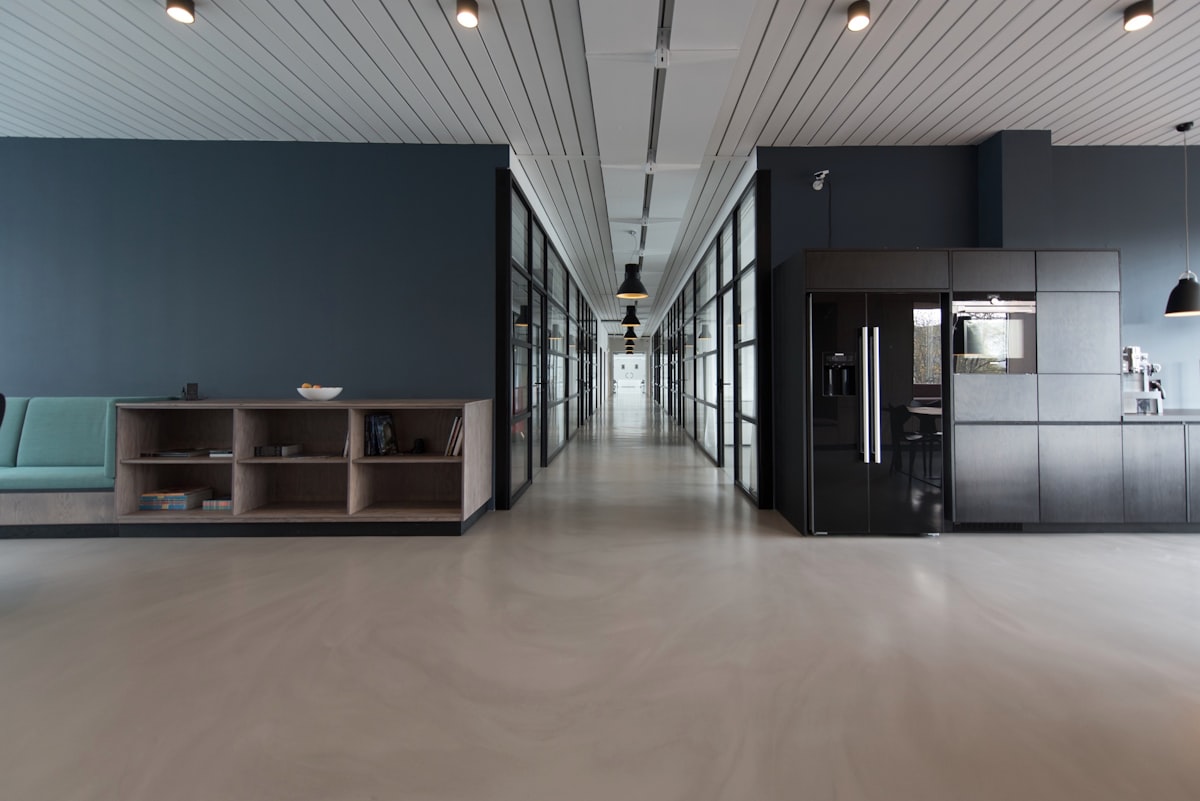
Every meaningful image needs a short description: "Completed bathroom renovation in Preston with grey floor tiles". Screen readers read it aloud; search engines read it too. Decorative images can be marked as such.
3. Labels on forms
Every field needs a visible label, not just placeholder text that disappears when typing. Error messages should say what went wrong and where. This helps everyone, especially on phones.
4. Keyboard and tap targets
The site should be usable without a mouse: tabbing through links and buttons in a sensible order, with a visible focus outline. On phones, buttons should be at least 44 pixels tall so they can be tapped without precision.
5. Text size and structure
Real text, not text inside images. Headings used in order (one H1, then H2s), so screen readers can navigate. Text that can be enlarged in the browser without breaking the layout.
6. Video and motion
Captions on any video with speech. No autoplaying motion that cannot be paused. Respect the visitor's "reduce motion" setting.
Why it also helps your business
Accessible sites are clearer for everyone, load faster, and share most of their requirements with good search practice. Alt text, headings and readable text are simultaneously accessibility and SEO.
How to check
Run a free tool such as WAVE or the Lighthouse accessibility audit on your homepage and busiest service page. Fix the red items first. Contrast and alt text are checked on every YINO build — see small business web design.
2026 Website Architecture & ROI Benchmark Comparison
Compare the practical differences between a template build, an over-engineered agency project, and a conversion-focused build tailored for website accessibility small business:
How long does it take to see measurable enquiry growth after updating these pages?
Conversion improvements such as clearer pricing, mobile click-to-call buttons, and suburb proof lift enquiry rates immediately for existing traffic, while Google Maps and AI search rankings compound steadily over 60 to 90 days.
| Evaluation Dimension | Generic DIY Template | Conversion-Focused Local Build | Why It Matters for Enquiries |
|---|---|---|---|
| Page Structure & Speed | Bloated plugins and slow mobile LCP (>4s) | Clean semantic HTML, fast mobile load (<1.8s) & dedicated service pages | Visitors stay on the page and Google indexes every core service |
| Local & AI Search Readiness | Single generic page with no schema or suburb specificity | Structured headings, BLUF summaries, FAQ schema & Google Business alignment | Earns visibility in both Google Map Pack and AI-generated answers |
| Trust & Proof Presentation | Stock images and generic filler copy | Real job photos, licensing credentials, transparent pricing & suburb reviews | Turns comparison browsers into direct phone calls and form enquiries |
| Ongoing Ownership & Upkeep | Fragile layout that breaks on routine updates | Full asset ownership, simple monthly update workflow & clear analytics | Predictable long-term cost without lock-in contracts |
Explore our conversion-focused website design packages or request a practical search visibility review tailored to your market.
